

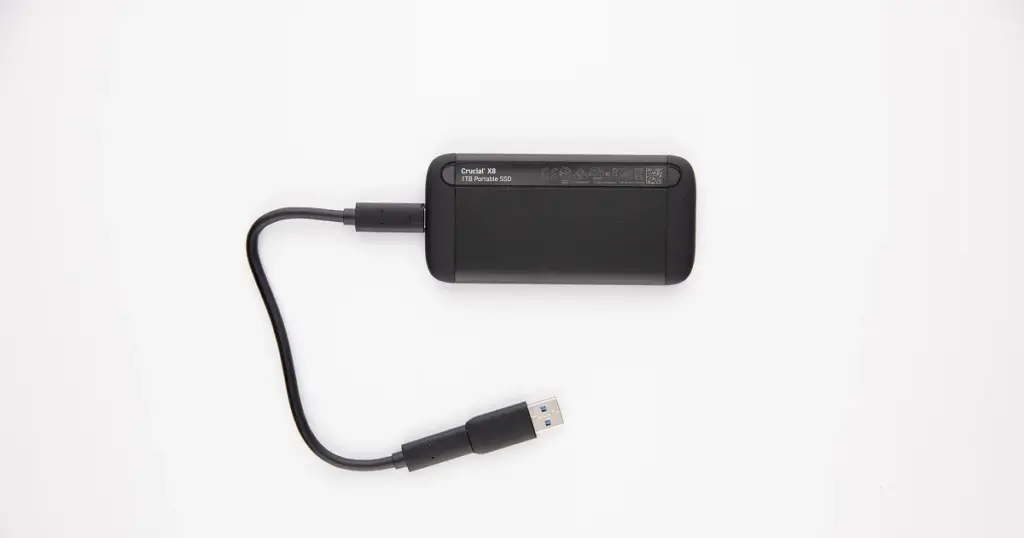
If your SSD suddenly stopped working, you are probably asking one question: can the data still be recovered. The answer is often yes, but SSD recovery depends heavily on the failure type and whether the drive was written to after the problem started.
In this post, you will learn what impacts SSD recoverability, what checks are safe, and which actions commonly make outcomes worse.
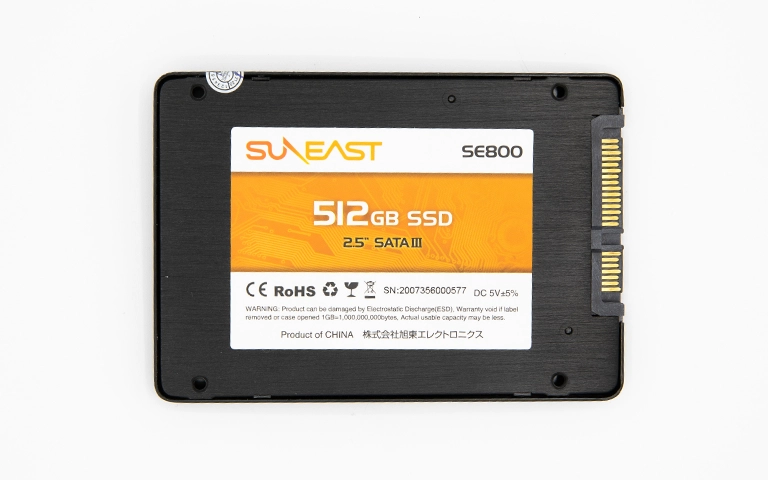
When SSD Recovery Is Possible and When It Isn’t
SSD recovery is a case-by-case decision. The fastest way to set expectations is to map the situation into one of these buckets.
Recovery is often possible when
The SSD is detected, even if files will not open or the volume will not mount. Logical issues, corrupted files, and some firmware problems can still allow controlled extraction.
Recovery may be limited when
The SSD is intermittently detected, shows the wrong capacity, or drops during reads. This usually indicates controller or firmware instability, and recoverability depends on how quickly the device can be stabilised and imaged.
Recovery is hardest when
The SSD is not detected at all, or the drive is hardware-encrypted and the controller has failed. In those cases, the pathway is highly device-specific and not suited to DIY attempts.
Operational rule
Once you suspect an SSD is unstable, stop write actions and avoid repeated boot cycles. SSDs can degrade quickly under stress.
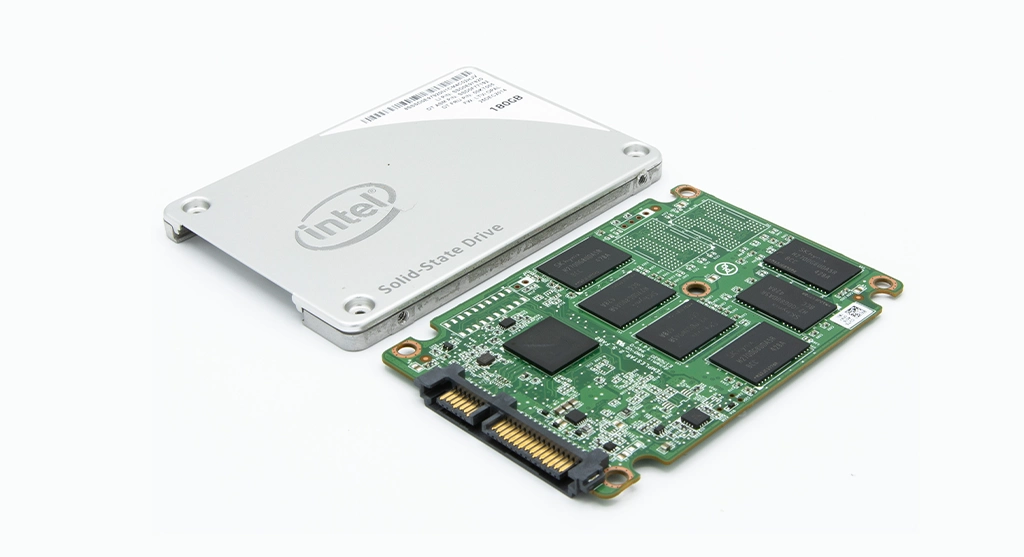
Top SSD Failure Scenarios That Impact Recovery
SSD not showing up
This can be interface related, firmware related, or controller failure. If it is not detected consistently, treat it as high risk and avoid write actions.
If your SSD is missing, the cause can be interface, firmware, or controller related. Start by confirming whether it appears in Windows storage tools. Read more in SSD not showing up in Disk Management.
Corrupted files and unreadable folders
The SSD may be healthy enough to be detected, but the file system or metadata is damaged. Recovery often focuses on controlled extraction and validation.
Firmware and translation layer issues
The SSD can report wrong capacity, become read-only, or freeze during access. These cases require a careful approach because the controller may be unstable.
Controller failure
If the controller fails, the SSD may not be detected at all. Outcomes depend on the SSD design and whether encryption is involved.
Physical damage and power events
Power surges and physical damage can cause sudden failure. If there is heat, smell, or visible damage, stop and escalate.

TRIM, Encryption, and Why SSDs Are Different
SSDs manage data differently than hard drives. That difference is what makes SSD recovery both possible and time-sensitive.
TRIM changes the recovery window
When TRIM is enabled, deleted blocks can be flagged for cleanup. That means “deleted” or recently lost data may be cleared faster than on a hard drive. The more the SSD is used after the issue starts, the lower the odds.
Wear leveling and garbage collection move data around
SSDs constantly remap blocks internally. This can make traditional recovery assumptions unreliable, especially if the controller is unstable.
Encryption can be a hard constraint
Many SSDs use hardware encryption by default. If the controller fails, access to decrypted data can become extremely device-specific and outcome-dependent.
If the data is important, stop using the SSD and avoid repair tools. Time and writes are the enemy.
Don't Let Data Loss Ruin Your Business
Minimize business disruption. We retrieve lost data fast, so you can focus on what matters.
Safe Checks If Your SSD Isn’t Showing Up
If the SSD is missing, your goal is simple: confirm detection without forcing writes.
- Check connection and interface first: For external SSDs, change the cable and port and avoid hubs. For internal SSDs, reseat the connection and confirm the correct interface (SATA vs NVMe) is being used.
- Verify where it fails: Check BIOS or UEFI first, then Windows Disk Management. If it is not detected in BIOS, Windows troubleshooting will not fix the root cause.
- Keep power cycles minimal: If the SSD appears intermittently, repeated reconnects and reboots can accelerate failure or trigger background cleanup behaviors.
- Avoid write prompts: Do not initialize, format, or run repair utilities. Those actions can create irreversible changes on SSDs.

What Not To Do: SSD Mistakes That Kill Recoverability
Do not keep using the SSD “to see if it comes back.” Any writes can trigger TRIM, garbage collection, and remapping, which can permanently reduce what is recoverable.
Do not initialize, format, or run repair actions. If Windows prompts you to do it, cancel. Those steps write to the drive and can overwrite key structures.
Do not run CHKDSK or third-party “fix” tools. On SSDs, automated repairs are a high-risk bet because they assume stable reads and can generate heavy writes.
Do not attempt firmware tools or updates as a troubleshooting step. Firmware changes are not reversible and can turn an unstable SSD into a non-detected SSD.
Do not repeatedly reboot and reconnect an intermittent SSD. If it drops in and out, the safest move is to stop and shift to controlled recovery.
Industry Certifications
Trusted by leading organizations and certified by industry authorities




Our SSD Recovery Process
When SSD data matters, we run a controlled workflow that prioritises stabilisation and extraction over trial-and-error fixes.
Step 1: Failure-mode assessment
We confirm whether the SSD is detected in BIOS and by the operating system, and we check how it identifies itself (capacity, model, stability). This quickly separates logical issues from firmware or controller-level faults.
Step 2: Stabilisation and read strategy
If the SSD is intermittent or slow, we limit power cycles and tune a read approach that reduces stress on the controller. The objective is to keep the device alive long enough to capture data.
Step 3: Imaging first
When the SSD is readable, we create a controlled sector-level image. Recovery work is performed from the image to avoid additional wear and to minimise write-triggered behavior.
Step 4: Data extraction and reconstruction
We extract recoverable files and rebuild structures when needed, especially in cases of corrupted metadata, missing partitions, or partial reads.
Step 5: Integrity validation
We validate file usability and folder structure so recovered data is business-ready.
For scope and coverage, explore our SSD data recovery service page.
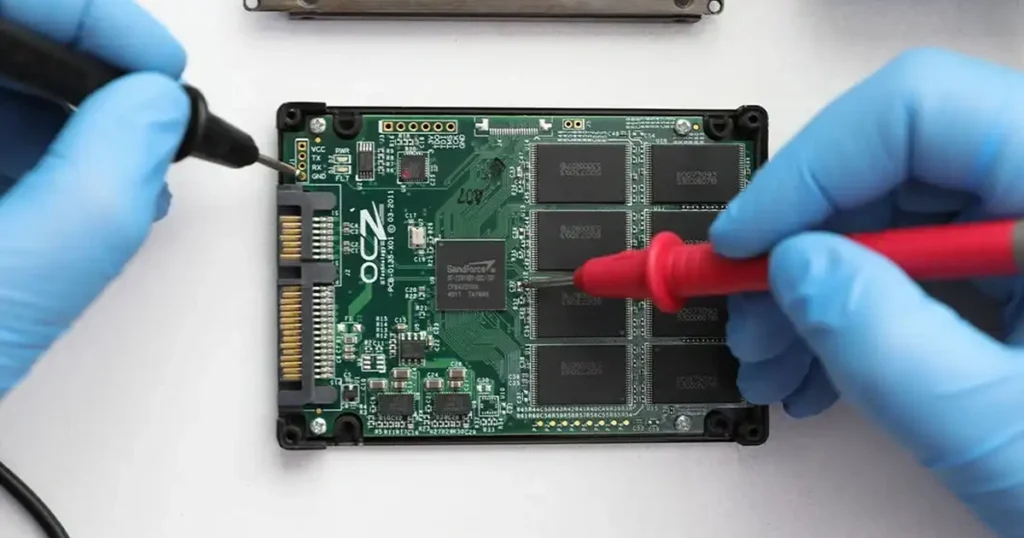
Cleanroom Relevance for SSD Work
A cleanroom is not only for hard drives. It matters when SSD recovery involves physical inspection, rework, or device-level handling that must be controlled and contamination-free.
If an SSD has visible damage, liquid exposure, or electrical burn indicators, the environment and handling standards become part of the risk management. The objective is to prevent secondary damage while diagnostics and recovery steps are executed.
To see how our facility standards support sensitive recoveries, explore certified cleanroom.
Emergency Data Recovery Services
Unexpected data loss? Whether it’s a crashed system, failed storage device, or accidental deletion, our 24/7 emergency recovery service ensures priority assistance to retrieve your critical data.
Contact Us for SSD Data Recovery
SSD recovery is often possible, but the window can close quickly if the drive is used, repaired, or repeatedly rebooted. If your SSD is not showing up, unstable, or your files are corrupted, stop write actions and escalate.
Contact us to get a direct recovery path based on the SSD type, failure behavior, and the safest next step.