

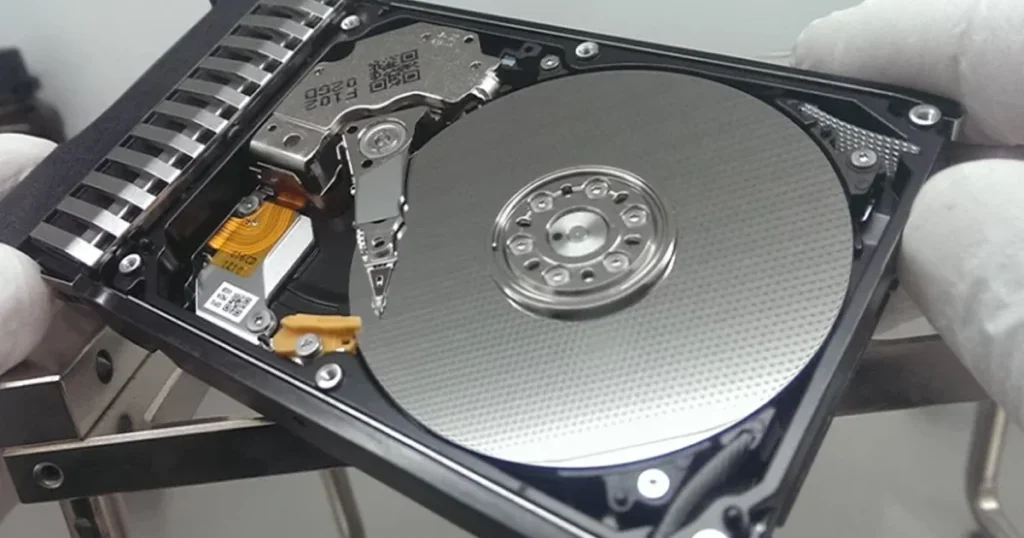
An external hard drive beeping is a warning signal, not a minor glitch. In most cases, it means the drive is struggling to spin up, read properly, or stay powered.
This can show up as a drive that will not mount, appears and disappears, or is not recognized at all. The biggest risk is continuing to test it repeatedly and forcing extra stress on failing parts.
In this guide, you will learn what beeping typically indicates, the safest immediate steps, what to avoid, and how professional recovery works when the data matters.
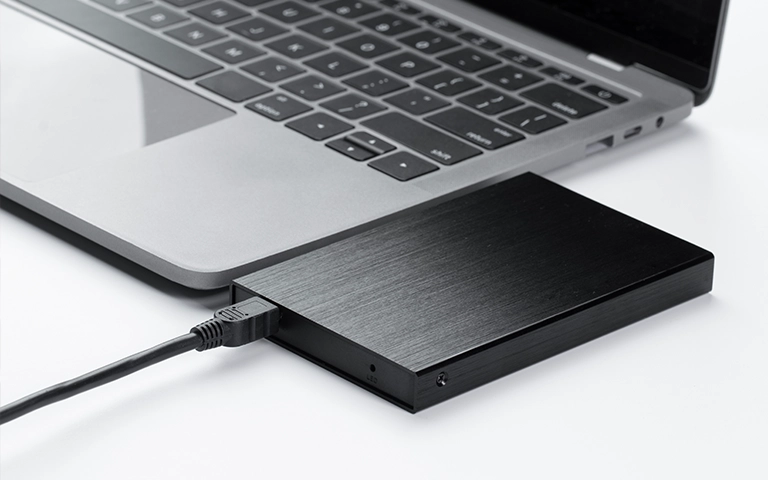
What a Beeping External Drive Usually Indicates
A beeping external hard drive typically means the drive cannot operate normally under power. Most often, the issue is not software. It is the drive failing to spin, stabilize, or read reliably.
What it usually points to:
- Spin-up failure: the motor cannot get the platters to full speed.
- Insufficient power: common with bus-powered drives, weak USB ports, or failing bridge boards.
- Internal mechanical resistance: stuck heads or other internal friction blocking startup.
- Enclosure electronics trouble: USB-SATA bridge or power regulation in the enclosure is unstable.
If the drive is beeping, treat it as a high-risk condition. The goal is to avoid extra power cycles and prevent a recoverable situation from becoming a permanent loss.
Industry Certifications
Trusted by leading organizations and certified by industry authorities





Immediate Actions That Protect Data
If the drive is beeping, your objective is simple: reduce stress and avoid write activity.
Do this now
- Stop power cycling. One or two checks is the limit. Repeated attempts increase damage risk.
- Disconnect the drive and let it sit for 10 to 15 minutes. Heat and friction can compound failures.
- Check power delivery once: use a different USB port directly on the computer, not a hub.
- If it has a separate power adapter, confirm it is the original and working.
- Listen for changes: beeping plus clicking or grinding is a stop signal.
- Do not run repairs, formatting, or “initialize” prompts. Those actions can overwrite metadata.
If Windows shows the drive but it is inaccessible, read more about external hard drive not recognised here: external hard drive not recognised.

Most Common Causes (Mechanical, Power, USB, Enclosure)
Mechanical failure inside the drive
Beeping commonly happens when the drive cannot spin up or maintain stable movement. This can be tied to stuck heads, motor issues, or internal friction. If you hear beeping with any additional abnormal sounds, treat it as a critical condition.
Insufficient power delivery
Many portable drives rely on USB power. A weak port, underpowered laptop, or hub can cause the drive to stall and beep. This is also common when the enclosure’s power regulation is failing.
USB connection instability
Bad ports or loose connectors typically cause disconnects and reconnects rather than true beeping, but instability can trigger repeated spin-up attempts that sound like beeps. Test once with a known-good port and cable, then stop.
Enclosure electronics or bridge board issues
The USB-to-SATA bridge board can fail and prevent stable communication and power control. In some cases the drive mechanism is healthy, but the enclosure cannot deliver consistent power or signal.

What Not to Do (Mistakes That Kill Recovery Odds)
These are the actions that most often turn a recoverable beeping drive into a failed recovery.
- Do not keep plugging it in repeatedly to see if it mounts. Power cycling accelerates wear and can worsen internal damage.
- Do not run CHKDSK, Disk Utility repairs, or “scan and fix.” These can write to unstable media and destroy recoverable structures.
- Do not format, initialize, or create a new partition. This can overwrite critical file system metadata.
- Do not open the drive casing. Dust exposure can permanently damage platters and make recovery far more complex.
- Do not freeze, tap, shake, or hit the drive. These myths create physical damage and reduce success rates.
- Do not attempt a RAID-style rebuild mindset. A single-disk beeping case is usually mechanical or power, not a configuration issue.
If your case involves a Seagate device and you want a brand-specific scenario, see Seagate external hard drive beeping: Seagate external hard drive beeping.
Don't Let Data Loss Ruin Your Business
Minimize business disruption. We retrieve lost data fast, so you can focus on what matters.
How Professional Recovery Works for Beeping Drives
A beeping drive is treated as a high-risk case because the underlying issue is often mechanical or power-related. The priority is to stabilize the situation and avoid any write activity.
Controlled diagnostics
We evaluate the drive behavior and electronics without repeated stress cycles. The goal is to confirm whether the issue is enclosure-level, PCB-level, or internal mechanical failure.
Imaging first, not file copying
When the drive is readable, we create a sector-level image to stable media. This preserves the original state and reduces further wear on failing components.
Address mechanical faults in a controlled environment
If the beeping indicates internal mechanical resistance or head issues, recovery shifts to specialist handling before any extraction attempts.
Data extraction and verification
Recovered data is extracted from the image and validated for structure and integrity before delivery.
If you want a direct service path for this scenario, learn more about external hard drive data recovery: external hard drive data recovery.
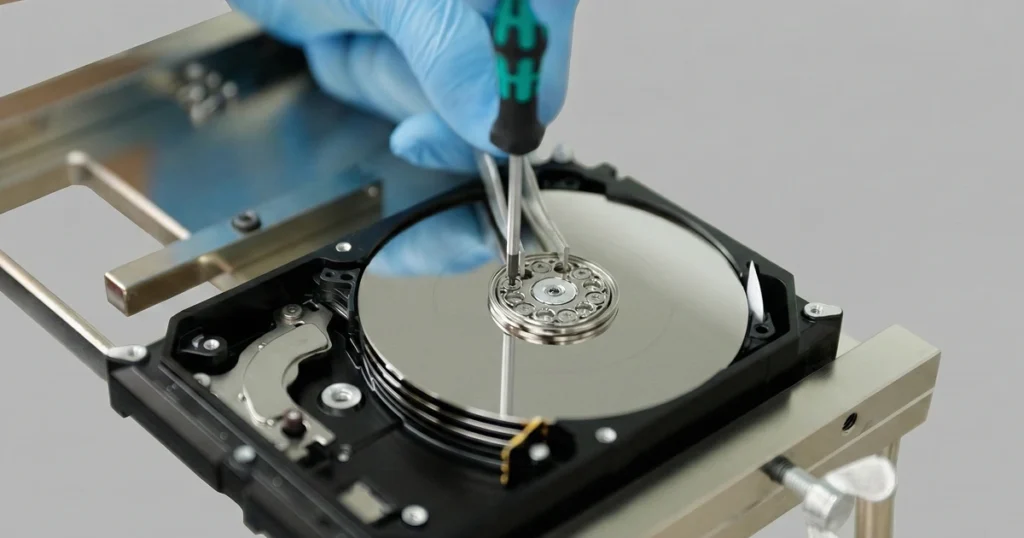
Contact Us for External Hard Drive Beeping Recovery
An external hard drive beeping is a serious indicator. In many cases, the drive is physically struggling to operate. Continued testing, repairs, or formatting attempts can reduce recovery odds.
If the data matters, stop power cycling and move to a recovery-first approach. Contact us to assess the failure, confirm the safest path, and execute recovery using controlled diagnostics, imaging, and integrity validation.
Emergency Data Recovery Services
Unexpected data loss? Whether it’s a crashed system, failed storage device, or accidental deletion, our 24/7 emergency recovery service ensures priority assistance to retrieve your critical data.