

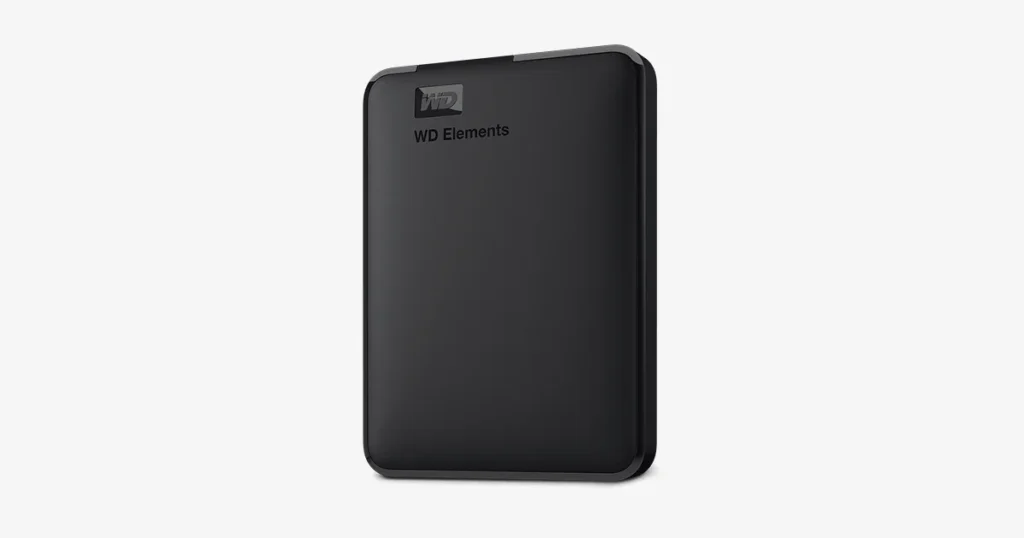
A client reported a WD Elements external hard drive that suddenly became unreachable on a desktop system. The enclosure light was on, but the drive was not detected, indicating a failure beyond basic connectivity.
The situation escalated when a chirping sound was heard from the device, which is a mechanical red flag. At that point, the priority shifted from troubleshooting to controlled diagnostics to protect recoverability.
Following intake, our engineers performed structured inspection, confirmed the fault domain, and executed a recovery workflow designed to minimise additional stress on the media.

Problem: Light On, Drive Not Detected, Chirping Noise
The customer’s desktop could not detect the WD Elements drive even though the indicator light was on. That combination typically means the enclosure is receiving power, but the storage media is not completing initialization or is failing during startup.
What the customer saw
- Drive light on, but no detection in the operating system
- Drive unreachable, no mount
- Chirping and clicking behavior consistent with a mechanical fault
What was at risk
- Escalation of head and platter damage with repeated power attempts
- Reduced recovery stability due to ongoing mechanical retries
For background on this symptom pattern, read more about hard drive not detected.
Industry-Leading 99% Success Rate
No hidden fees. No surprises. Just expert data recovery you can trust. We handle everything from simple file loss to extreme data recovery cases. If we can’t recover your data, no one can.
Device Profile: WD Elements External Drive Context
WD Elements drives are commonly used as plug-and-play external storage for desktops and home offices. They typically rely on a USB interface and an enclosure design that prioritizes portability, which can introduce extra points of failure beyond the drive itself.
In real-world cases, users often see “light on” behavior even when the drive cannot initialize, because the enclosure electronics can still power up while the internal hard drive fails to respond. When abnormal noise is present, the case should be treated as mechanical first, not as a driver or software problem.

Root Cause: Read Write Head Failure and Contamination Risk
Our diagnostics identified a read write head issue. The clicking behavior aligned with damaged heads repeatedly attempting to read, then resetting. We also observed dust contamination on the sliders, which can further disrupt head performance and increase the risk of media damage.
What this means operationally
- This is a mechanical failure profile, not a software corruption scenario.
- Continued power cycles can worsen surface damage and reduce recovery viability.
For a related noise-driven failure scenario, see external hard drive beeping.
Don't Let Data Loss Ruin Your Business
Minimize business disruption. We retrieve lost data fast, so you can focus on what matters.
Diagnostics Highlights: External Checks to Cleanroom Confirmation
We started with non-invasive validation to separate enclosure and connection variables from internal drive failure.
External validation
- Inspected the enclosure and ports, verified power behavior
- Checked detection behavior across a controlled connection path
Cleanroom confirmation
- Opened the drive in a cleanroom and inspected internals
- Confirmed head failure indicators and contamination on the sliders
Because the symptoms and inspection aligned with head failure, we moved to a controlled repair and imaging strategy instead of any software-based attempt.

Recovery Process: Cleanroom Head Swap, USB to SATA, Imaging
Cleanroom access and controlled disassembly
We opened the drive in a certified cleanroom to prevent additional contamination and to safely access the head assembly.
Read write head replacement
Damaged heads were replaced with compatible donor heads to restore stable reading capability.
USB to SATA conversion for recovery access
We converted the drive from its original USB configuration to SATA to integrate with specialised recovery systems and remove interface constraints.
Sector level imaging under controlled parameters
Each sector was imaged using dedicated hardware and software to capture data while minimising stress on the original media.
Data extraction and organisation
Recovered data was extracted from the image and structured into a readable format for delivery.
For comparison, you can review a similar noise driven case on Seagate external hard drive beeping.

Result and Verification Delivered
After the head replacement, interface conversion, and imaging, our engineers successfully retrieved the client’s critical data from the WD Elements external hard drive. Recovery work was performed against the imaged copy to protect the original drive from additional wear.
The recovered data was validated for usability and organised into a readable structure, enabling the client to resume work without needing to interpret raw recovery output.
Emergency Data Recovery Services
Unexpected data loss? Whether it’s a crashed system, failed storage device, or accidental deletion, our 24/7 emergency recovery service ensures priority assistance to retrieve your critical data.
Contact Us for WD Elements Mechanical Recovery
If your WD Elements drive is not detected and you hear clicking or chirping, stop testing and power it down. That combination typically indicates a mechanical failure where continued attempts can reduce recovery viability.
Contact our team to initiate a controlled diagnostic and recovery workflow. We will confirm the failure mechanism, then outline the recovery approach and next steps based on engineering findings.