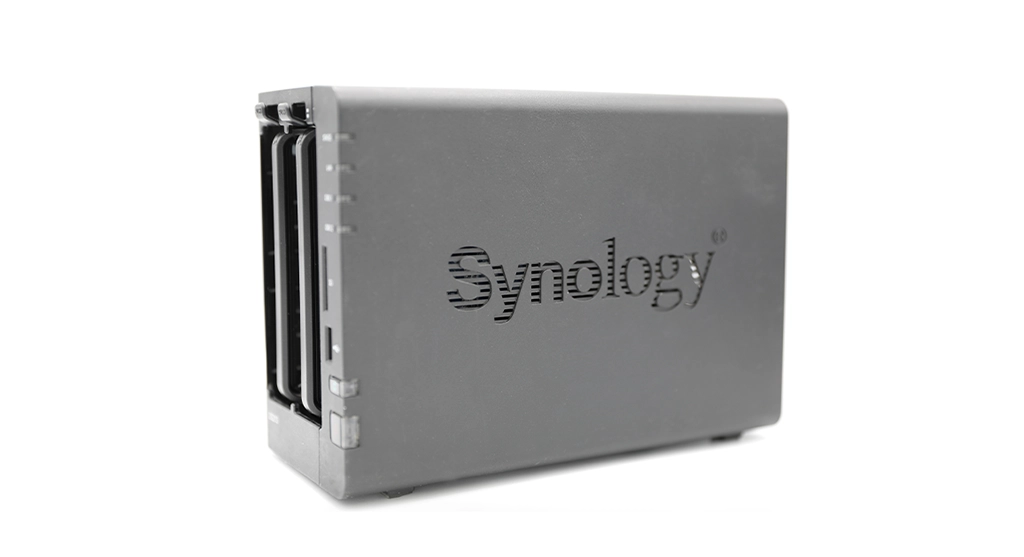
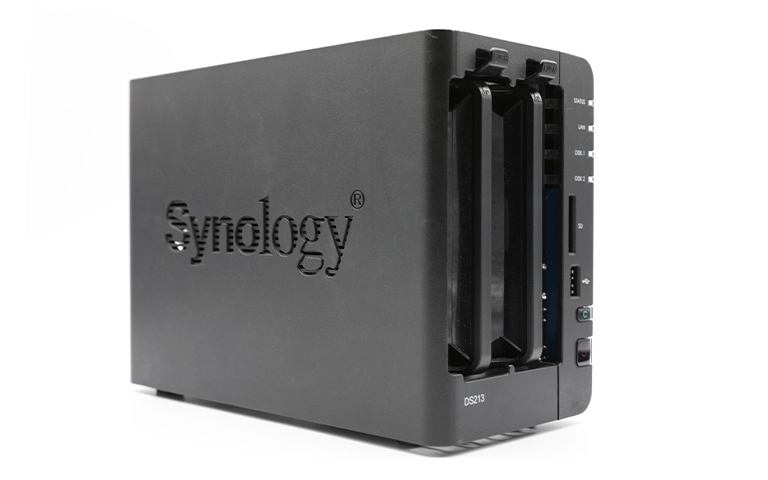
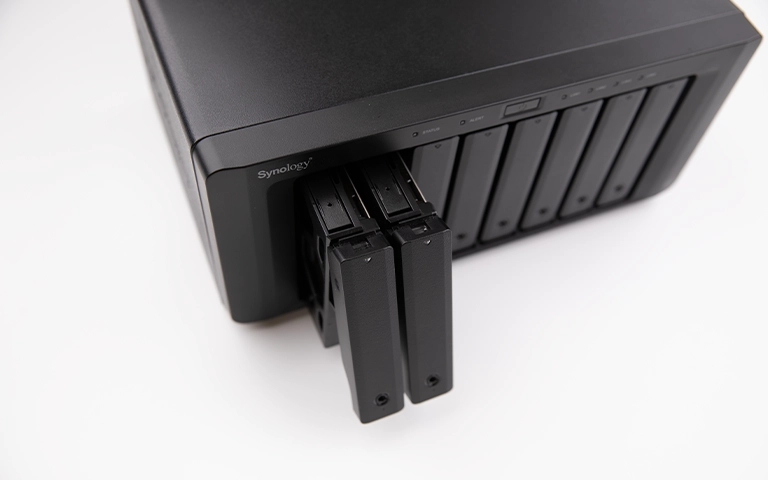
We recognise that our customers utilise various models of Synology NAS devices, each possessing its own unique set of features and capabilities. That is why we maintain a team of experts who are well-versed in all Synology NAS models and their data recovery processes. Whether you have a home or business model, our team can manage the data recovery process efficiently and effectively.
Our Synology data recovery services encompass both DiskStation and RackStation devices. Whether your Synology NAS is a tower or rack-mounted, our team can manage the data recovery process with precision and accuracy.
We Recover both Synology DiskStation and RackStation NAS devices.
DS120j
DS220j
DS420j
DS220+
DS420+
DS720+
DS920+
DS1520+
DS1821+
DS1621+
DS1621xs+
DS1621xs
DS1821xs
DS1823xs+
DS2419+
DS3617xs
DS3617xs+
DS3615xs
DS2419+
RS820+
RS1221+
RS1221RP+
RS2421+
RS3621xs+
RS3621RPxs
RS4021xs+
RS3621xs
RX1217
RX1217RP
RX418
RX418RP
RX2417sas
RX1217sas
RX2417RP
RX2417
RX1217
RX1217RP
RXD1219
RXD1219sas
RXD1219RP
RXD1219sasRP
RXD1219+
We also specialise in recovering data from damaged or failed hard drives and solid-state drives used in Synology NAS devices. Our advanced techniques and tools enable us to recover data from various storage media, ensuring successful retrieval regardless of the type or severity of the damage.
Data loss on Synology NAS devices can occur for various reasons, including accidental deletion, system or hardware failure, virus or malware attacks, and physical damage. Whatever the cause, our team is equipped to handle all types of data loss situations and provide you with a successful recovery.
If you experience data loss on your Synology NAS device, it is essential to stop using the device immediately and seek professional data recovery services. Continuing to use the device can potentially lead to further damage and make data recovery more challenging.
Our advanced data recovery lab in the UK, is equipped with state-of-the-art facilities and tools to provide efficient and effective data recovery services for Synology NAS devices. We also offer walk-in and drop-off services for our customers who prefer to bring their devices directly to us. Our team will prioritise your case and work towards a speedy recovery of your data.
If you are in need of Synology data recovery services in the UK, please do not hesitate to contact us. Our team is available 24/7 and ready to assist you with any data loss situation on your Synology NAS device. You can reach us by calling our customer support line for immediate assistance.
Data loss can happen at any time. Our expert recovery team is available 24/7, every day of the year, to provide immediate support whenever you need it.
We begin with a no-obligation evaluation. Our technicians assess the device, diagnose the issue, and outline a clear recovery plan so you can decide with confidence.
Your satisfaction is our priority. With years of experience, we’re committed to successful recoveries and reliable, professional service.
You review your recovered data before we return your device. We provide a secure, private online session so you can confirm everything is in order.
We offer nationwide drop-off locations across the US, providing a simple and convenient way to submit your device for recovery, no matter where you’re located.
Our team is certified and uses proven recovery methods, giving you confidence in the safety and success of your data recovery.
Professional Data Recovery
From evaluation to recovery, our process is secure, transparent, and built for maximum success.
"*" indicates required fields
Once your data has been successfully recovered, we will arrange a secure remote session to enable you to verify its integrity.
Review your restored files to ensure completeness.
Check your data from the comfort of your own home or office.
End-to-end encryption safeguards your information.
100,000+ drives recovered
Our experienced team is committed to helping you recover your critical data. No matter the situation, we work diligently to ensure the best possible outcome. Take action now and let us restore what’s important to you.
"*" indicates required fields