




Windows Data Recovery

YOUR FILES. BACK
GUARANTEED.
Our Windows Data Recovery Services restore lost or corrupted data from desktops, laptops, and servers using advanced techniques, ensuring secure, efficient recovery with minimal downtime.
99% Success Rate
Quick Estimate
No Data, No Fee
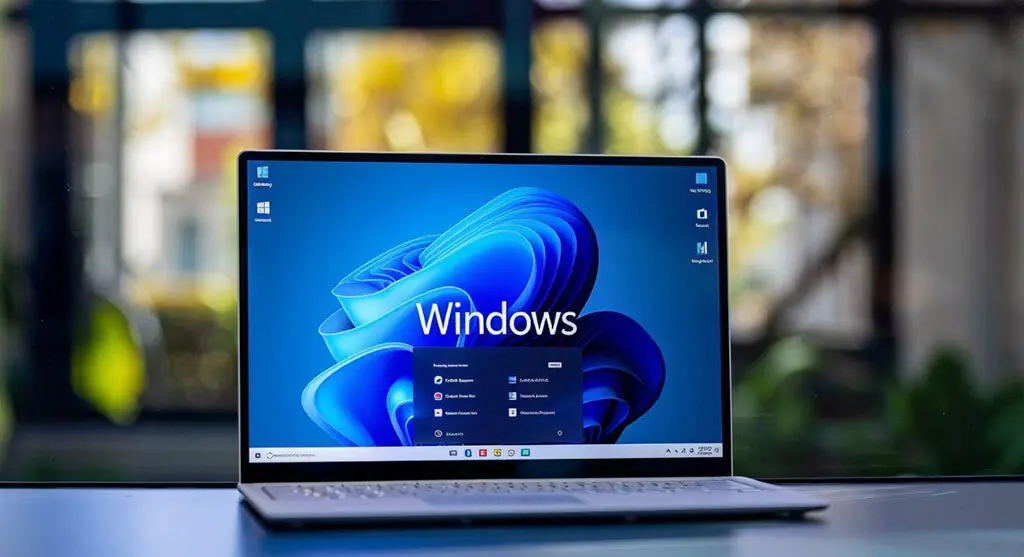
Laptop displaying the Windows 11 home screen.

Certified. Secure. Trusted Nationwide.

Cyber Essentials logo
DUNS & Bradstreet verified logo
ISO certified logo
ico certified logo
pci DSS logo

Causes of Windows Failure

Windows is widely regarded as a reliable operating system used by millions worldwide. With over 1.5 billion users globally, many rely on Windows for their daily tasks and operations. However, like any operating system, Windows devices are not immune to crashes. When failures occur, valuable files can be lost in an instant.

Windows Registry Corruption

The Windows registry stores key OS and app settings. Corruption can cause instability, crashes, and boot failures.

Blue Screen of Death Errors

Critical failure messages stem from hardware faults, driver issues, or corrupt files, leading to crashes and data loss.

Update Failures

Faulty Windows updates can destabilise the system, causing boot problems and possible data loss.

File System Conversion Errors

Errors during file system conversions, such as FAT32 to NTFS, can result in data loss or corruption.

Disk Management Errors

Errors in Windows Disk Management, like incorrect partition changes, can cause data loss.

User Profile Corruption

Corrupted or deleted Windows user profiles can result in data loss.

Failed Bootloader

Bootloader issues in Windows can prevent startup and may require boot data recovery.

Encryption Errors

Errors with BitLocker or other encryption services can render data inaccessible, requiring decryption recovery.

Steps to Take When Your Windows Device Fails
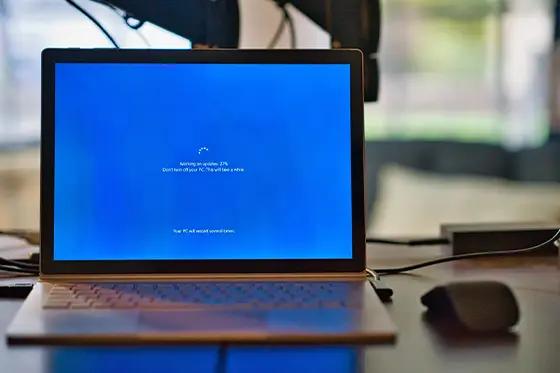
Turn off the device immediately and avoid restarting it. Continued use after a failure can overwrite critical files. Do not reinstall software, as this may result in permanent data loss. Avoid using online recovery tools or unauthorised repair services, as they can worsen the issue. Instead, rely on professionals for safe and effective recovery.

Contact our skilled data recovery engineers by filling out our online form or calling us on 020 3026 3635. We offer a risk-free evaluation to assess your case and determine the best recovery strategy. Our engineers conduct a detailed analysis in specialised facilities to identify damage and apply the most effective recovery methods, ensuring your data is restored safely.

Professional Data Recovery

Need Data Recovery? Start Here.

From evaluation to recovery, our process is secure, transparent, and built for maximum success.

99% Success Rate

100% Secure Process

24/7 Support

Start Your Data Recovery

All fields are required

"*" indicates required fields

This field is hidden when viewing the form

Windows Data Recovery Process

1

Free Consultation

We begin with a free consultation to discuss your Windows data loss scenario. Our specialists will outline the evaluation process, ensuring you fully understand each step before proceeding.
2

Full Diagnostics

Drop off your device locally or ship it using our prepaid, insured label. Our engineers perform a full diagnostic to identify the issue and define the recovery approach.
3

Review & Decide

You receive a fixed price quote based on recovery complexity and turnaround option. Approve the recovery or have your device returned with no obligation.
4

Secure Delivery

Recovered data is delivered via encrypted media or secure cloud transfer. Upon confirmation of delivery, all recovered data is permanently erased from our systems.

Verify Your Data

Once your data has been successfully recovered, we will arrange a secure remote session to enable you to verify its integrity.

Confirm The Recovery

Review your restored files to ensure completeness.

Convenient Verification

Check your data from the comfort of your own home or office.

Privacy Assured

End-to-end encryption safeguards your information.

Client Success Stories

100,000+ drives recovered

Customer Reviews

4.9
Based on 6900+ reviews
Alicia Hritsko
Google
I did a lot of research before I chose PITS Global, and I am so glad I did!! Zack kept me informed throughout the whole process & even let me send an external hard drive that I had already purchased to put my recovered data on so that I wouldn’t be charged for another. Their prices are competitive & actually lower than other data recovery places that I researched. Most importantly, they were able to recover ALL my data, so they not only saved my photos, videos & music, but my precious memories as well, which are priceless to me. I will definitely be recommending them to anyone & everyone I know! Thanks guys for saving this Hulk!!
Read more
John Paciga
Google
PITS successfully recovered all of the files from my damaged hard drive. Expensive, but worth it to have the services of a reliable, communicative, and trustworthy company. A lifesaver!
Read more
Juan Gutierrez
Google
Customer service (Emma) was extremely kind and helpful, especially the virtual call for the review. Price was fair and was able to get a 100% recovery of my files (all the ones I cared about were family pictures from the last 25 years).
Read more

Frequently Asked Questions

Windows data recovery is the process of restoring lost, deleted, or corrupted files from devices running the Windows operating system. It addresses data loss caused by accidental deletion, corruption, malware, or system crashes.
Yes, data can often be recovered from a formatted Windows hard drive, as long as it hasn’t been overwritten by new data. To maximise recovery chances, stop using the drive immediately and consult a professional.
Data loss on Windows systems can result from accidental deletion, malware, hard drive failures, power outages, or system crashes. Software errors and corrupted updates may also render data inaccessible.
The recovery time varies based on the complexity of the issue and the size of the affected drive. Simple cases may take a few hours, while severe corruption or hardware failures could require several days. A timeline is provided after the initial evaluation.
Attempting DIY data recovery without the right tools or expertise can result in permanent data loss. It is advisable to seek professional assistance to ensure the safe and effective retrieval of your important files.
Request Help
Professional Recovery

We’re Here to Help

Our experienced team is committed to helping you recover your critical data. No matter the situation, we work diligently to ensure the best possible outcome. Take action now and let us restore what’s important to you.

Start Recovery Process

Fields marked with * are required.

"*" indicates required fields

This field is hidden when viewing the form